Claude Review: Core Technical Principles and Advantage Analysis, with 5 Practical Use Case Demonstrations
Hey folks, the AI community has been buzzing again lately! And it's all because of Anthropic'...
Article Contentreadonly
Claude Review: Core Technical Principles and Advantage Analysis, with 5 Practical Use Case Demonstrations
Hey folks, the AI community has been buzzing again lately! And it's all because of Anthropic's Claude series models. The hype level changes by the day—honestly, it's more thrilling than binge-watching a TV series. As a seasoned player who spends every day immersed in various AI tools, I'm not going to throw a bunch of fancy parameter comparison tables at you today. Instead, I want to have a heart-to-heart about my genuine experiences after extensively testing Claude. This Claude review will take you from the underlying technology all the way to practical applications, guaranteeing you'll walk away with a thorough understanding of this "top-tier" figure in the AI world.
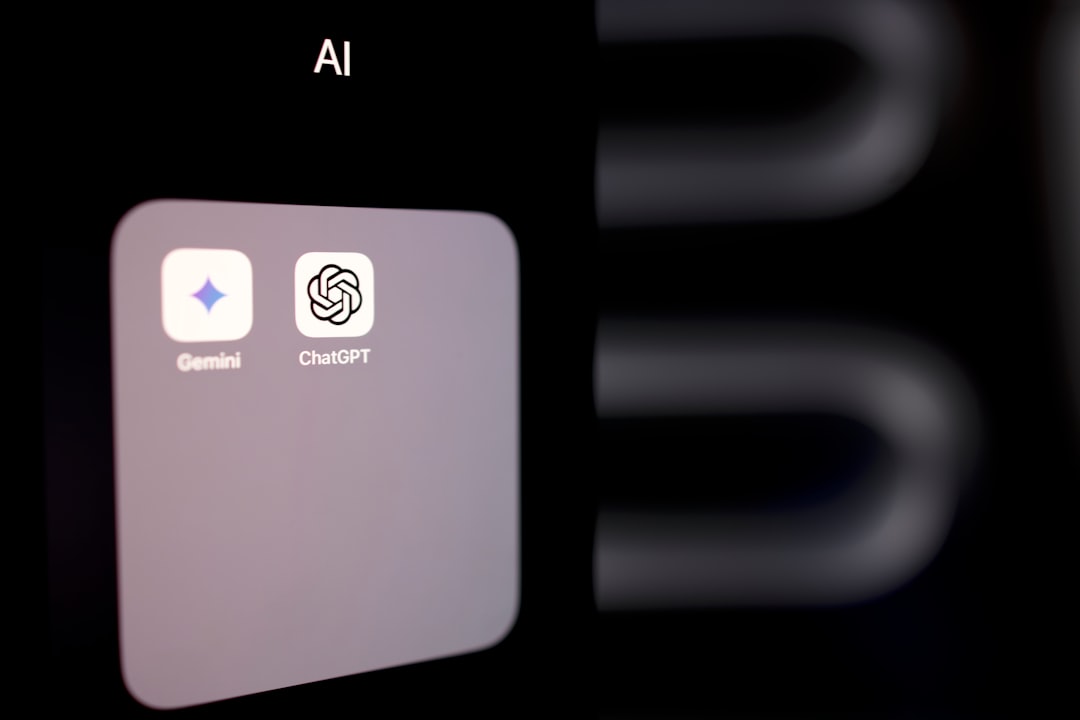
To be honest, there are quite a few major models on the market right now—ChatGPT, Gemini, ERNIE Bot, and others—each with its own strengths. But Claude always gives me a feeling of academic rigor combined with a "warm, considerate" finesse. It doesn't come across as some brash, reckless newcomer that will say anything. Instead, it feels more like a knowledgeable, logically precise, and highly tactful personal advisor. In this Claude review, let's break it down piece by piece and see where it truly excels, as well as where it has its "little quirks."
1. Model Overview: The Evolution of the Claude Family
Let's start with some background. Claude is the flagship product of Anthropic (founded by Dario Amodei, former VP of Research at OpenAI). The company's core philosophy boils down to two words: safety. From day one, they've embedded the principle of "making AI safe, transparent, and controllable" into their DNA. This is a completely different approach from companies that adopt a "move fast and fix safety later" strategy.
The Claude family has already gone through several generations—from the original Claude 1, to Claude 2, and now the Claude 3 series (which includes Haiku, Sonnet, and Opus variants), plus the latest Claude 3.5 Sonnet. The progress is clearly visible. For this review, I focused primarily on Claude 3.5 Sonnet, which the internet has dubbed the "strongest mid-size model." After using it, I can confirm the reputation is well-deserved.
In simple terms, these three variants are designed for different audiences: Haiku is the speedster, prioritizing lightning-fast responses for simple tasks; Sonnet is the balanced all-rounder, hitting the sweet spot between performance and speed—and it's my go-to choice; Opus is the performance beast, reserved for tackling those brain-burning, complex problems. In this Claude review, I'll focus primarily on Sonnet while touching on the characteristics of the other variants along the way.
When it comes to the technical side, we don't need to wade through obscure academic jargon. Let me translate it into plain language for everyone.
1. Constitutional AI — The Soul of the System
This is Claude's most critical killer feature. Traditional AI training relies on Reinforcement Learning from Human Feedback (RLHF), where human annotators tell the AI "this response is good, that one is bad." This process is slow, expensive, and heavily influenced by human subjectivity. Claude's "Constitutional AI" approach essentially provides the AI with a "code of conduct manual," allowing it to evaluate and self-correct its own responses based on these principles.
For example, when I asked it to write an analysis of a controversial social issue, it didn't just give me a black-and-white conclusion. Instead, it proactively laid out arguments from different perspectives and was extremely careful to avoid any potentially biased language. This "self-restraint" capability is incredibly important when generating AI articles or handling sensitive topics.
2. Ultra-Long Context Window — A Revolution in Memory
Claude 3.5 Sonnet directly supports a 200,000-token context window (with even more available in enterprise versions). What does this mean? It means you can feed it the entire "Three-Body Problem" trilogy at once, and it will still clearly remember character relationships and plot foreshadowing from earlier in the text. I tested this myself—I gave it a 150-page PDF research report and asked it to summarize the core findings. Not only did it summarize effectively, but it could also pinpoint exactly which page a specific data point appeared on. This kind of formidable information processing capability is a godsend for working professionals.
3. Multimodal Capabilities — More Than Just a "Text Snob"
While Claude's strength lies in text, it also supports image input. You can snap a photo of a complex architecture diagram or a handwritten note and send it over—it can accurately recognize and extract the information. That said, it does lag slightly behind GPT-4V in image recognition, but when it comes to text-heavy charts and documents, its performance is already exceptionally solid.
3. Core Capabilities: Moments That Made Me Say "This Is the Real Deal"
Talk is cheap—let's get to the real substance. During my time using Claude, there were several moments that genuinely felt like a "breakthrough" experience.
1. Logical Reasoning & Code Generation: A Programmer's Best Friend
I asked Claude to write a complex Python web scraper that not only had to handle various anti-scraping mechanisms but also needed to clean and format the scraped data. It not only completed the task flawlessly but also thoughtfully annotated each function in the code comments and even explained why it chose `requests-html` over `scrapy`. This "teach a man to fish" approach is invaluable for developers looking to enhance their AI skills—the value goes far beyond the code itself.
2. Nuanced Text Understanding & Generation: A Copywriter's Spring
I once asked it to write a Moments post about "summer iced coffee," requiring vivid imagery and a sense of everyday life. It came back with: "Cicadas are the background soundtrack of summer; the crisp clink of ice cubes is a secret signal to your taste buds. This cup is dedicated to everyone still running through the heat." I was blown away—this writing was sharper than my own as a seasoned editor, and it instantly struck a chord with my inner "artsy soul."
3. Exceptional "Anti-Hallucination" Ability: Refusing to Make Things Up
This is something I have to highlight! I asked Claude a rather obscure historical question. Since it wasn't confident, it honestly told me: "Based on my current knowledge, I cannot confirm the accuracy of this information. I recommend consulting [specific source]." It didn't, like some AIs, confidently fabricate a plausible-sounding but fake answer. This kind of "honesty" is incredibly rare in the AI world.
4. Performance Comparison: Claude vs. GPT-4o vs. Gemini
四、性能对比:Claude vs. GPT-4o vs. Gemini
Let's skip the benchmark scores and talk about real-world experience. I deliberately posed the same questions to all three mainstream models and compared the results.
Comparison Dimension
Claude 3.5 Sonnet
GPT-4o
Gemini 1.5 Pro
Long-Text Processing
⭐⭐⭐⭐⭐ (200K tokens, no problem)
⭐⭐⭐ (128K, but prone to "memory loss" on long texts)
⭐⭐⭐⭐ (Flexible, but sometimes over-indexes on tangents)
⭐⭐⭐ (Solid, nothing spectacular)
Writing Style
⭐⭐⭐⭐⭐ (Natural, nuanced, and warm)
⭐⭐⭐⭐ (Comprehensive but somewhat formulaic)
⭐⭐⭐ (Google-flavored, more academic)
Response Speed
⭐⭐⭐⭐ (Sonnet is quite fast)
⭐⭐⭐⭐⭐ (GPT-4o-Lite is lightning quick)
⭐⭐⭐ (Occasional lag)
This comparison isn't absolute, but it reflects my personal subjective experience. Claude has a clear advantage in "deep thinking" and "professionalism," while GPT-4o excels in "versatility" and "speed." Gemini leans more toward enterprise-level applications. So, if you ask me: for daily coding and analysis, Claude is my first choice; for quick brainstorming sessions or casual chat, GPT-4o is a better fit.
5. Applicable Scenarios: 5 Practical Use Case Demonstrations (with Prompts)
Enough talk—let's get practical. The following five scenarios are ones I've personally tested recently, and each comes with ready-to-use AI prompts you can copy directly.
Scenario 1: The Working Professional — Quickly Nailing Weekly/Daily Reports
Used to dread writing weekly reports? Now you can simply throw your raw work log at Claude, and it will organize everything into a logically structured, key-point-focused weekly report.
AI Prompt Example: "Below is my work log for this week. Please organize it into a professional weekly report. Requirements: 1. Categorize by project; 2. Highlight achievements and quantitative data; 3. Use formal but concise language. This week's work: [paste your work log]"
Scenario 2: Content Creators — Viral Title Generator
Whether it's WeChat articles or Xiaohongshu posts, the title determines your open rate. Claude understands this well and can generate 10 different title styles, so you never have to stress over "clickbait" again.
AI Prompt Example: "You are a senior new media editor. Based on the topic 'How working professionals can use AI to improve efficiency,' generate 10 viral-style titles for Xiaohongshu. Requirements: 1. Include numbers; 2. Evoke emotional resonance; 3. Keep each title under 15 characters."
Inherited some legacy code you can't understand? Throw the code block at Claude, and it will walk you through it line by line like a mentor, even identifying hidden bugs and suggesting fixes.
AI Prompt Example: "Please explain the functionality of the following code, point out any potential performance bottlenecks or logic flaws, and provide optimized code. Code: ```python [paste code]```"
Scenario 4: Students/Researchers — Literature Review Assistant
Facing a mountain of English academic papers? Claude can quickly extract each paper's core contributions, research methods, and limitations, and help you map out the research landscape.
AI Prompt Example: "I've uploaded 5 PDF papers on 'Applications of Transformer Models in NLP.' Please summarize each paper's core contribution and compare their methods and experimental results in a table format. Finally, based on these papers, write a 200-word opening paragraph for a literature review."
Want to stay on top of competitor movements without paying for expensive reports? Send Claude your competitor's website, WeChat article links, or text content, and it will extract their positioning, target users, core features, and marketing strategies.
AI Prompt Example: "Based on the following public information about [competitor name], generate a detailed competitive analysis report. Requirements: 1. Product positioning and core selling points; 2. Target user persona; 3. Strengths/weaknesses comparison with [your product]; 4. Potential market opportunities. Information: [paste information]"
6. Strengths & Weaknesses Analysis: I Can't Just Praise It—Let's Talk About the "Flaws"
六、优劣势分析:不能光夸,也得说说“小缺点”
Our Claude review must remain objective. Although I have deep affection for Claude, I need to point out its shortcomings so nobody goes in with unrealistic expectations.
✅ Core Strengths
High Emotional Intelligence: It responds with a very "human" touch—knows how to politely decline, knows how to encourage, and provides an excellent chat experience.
Rigorous Logic: When handling complex problems, writing code, or doing analysis, it rarely exhibits logical inconsistencies.
Clear Safety Boundaries: It almost never generates harmful, biased, or unethical content—you can use it with peace of mind.
Long-Text Champion: Its ability to process lengthy documents is currently top-tier (T0 level), bar none.
❌ Relative Weaknesses
Outdated Real-Time Information: Its knowledge cutoff is relatively early, so it may not know about the latest current events. In these cases, you'll need to use its web search feature (currently Pro users only) or check the latest AI news digest to supplement.
Slightly Weaker Creative Divergence: Compared to GPT-4, Claude is a bit more conservative when it comes to tasks requiring wild imagination, like writing novels or crafting stories—its creativity feels somewhat "restrained."
No Image Generation Capability: Claude is currently a text + image understanding model; it cannot generate images directly. If you need text-to-image, you'll still need Midjourney or DALL-E.
Ecosystem Still Under Construction: Compared to OpenAI's GPT Store plugin ecosystem, Claude's third-party integrations and plugins are still relatively limited. However, its API is excellent and well-suited for developers looking to build on top of it.
7. Personal Impressions & Experience Sharing
After all this time, Claude has become an indispensable part of my workflow. To me, it's not just an AI tool—it's more like an "external brain" and "chief advisor." The first thing I do every day when I open my computer is say hello to it and ask,
We use optional cookies to improve your experience on our website, such as connecting through social media and showing personalized ads based on your online activity. If you reject optional cookies, only cookies necessary to provide you with services will be used. You can change your choice by clicking "Manage Cookies" at the bottom of the page.
Privacy Statement · Third-Party Cookies